5-minute quickstart
The shortest path from creating an account to sending your first request and checking its usage record.
Complete path
- 1
Create an account
Register with your email address and password.
- 2
Sign in and check your balance
Open the dashboard and confirm that your account has available credit.
- 3
Create an API key
Name the key and bind it to the group required by your model.
- 4
Send a request
Replace the example API key and model ID with your own values.
- 5
Check the usage record
Verify the model, tokens, cost, and latency after the request.
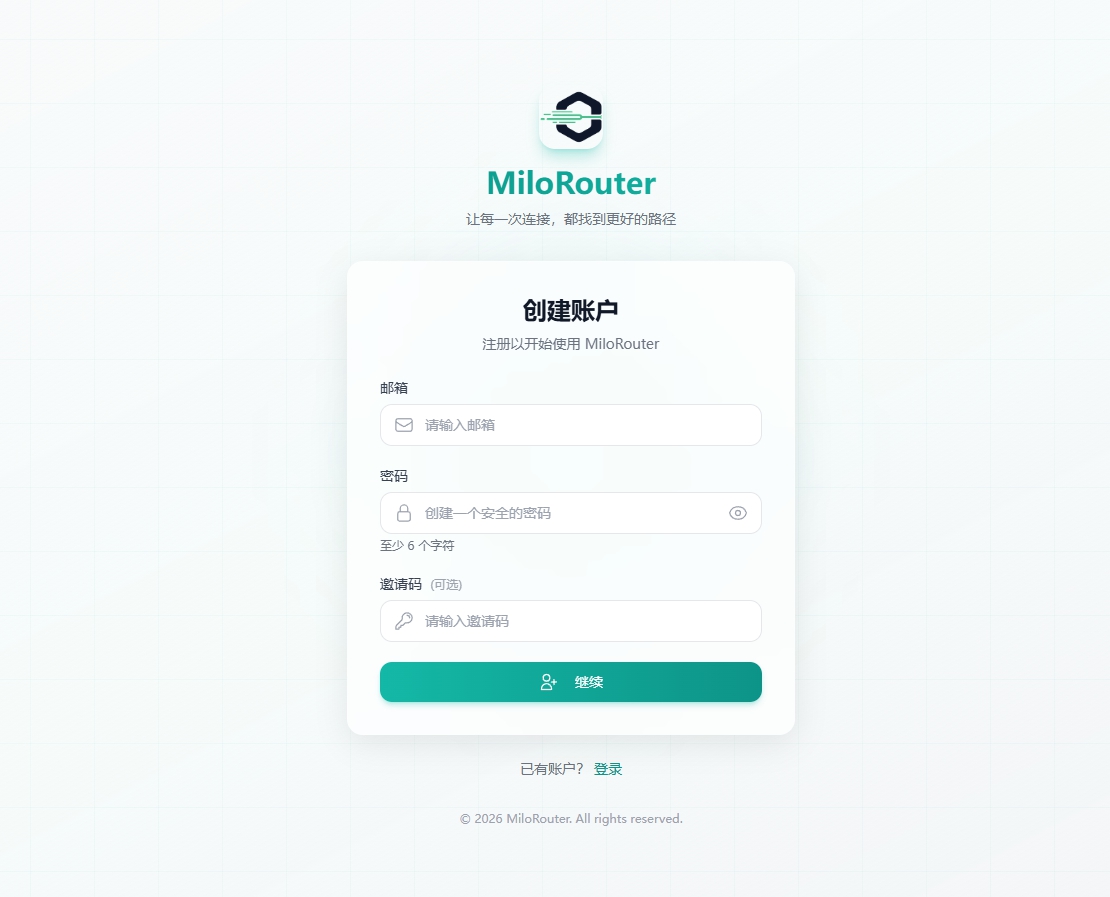
1. Create an account
Open the MiloRouter registration page, enter your email and password, and follow the on-screen verification steps. An invitation code is optional.
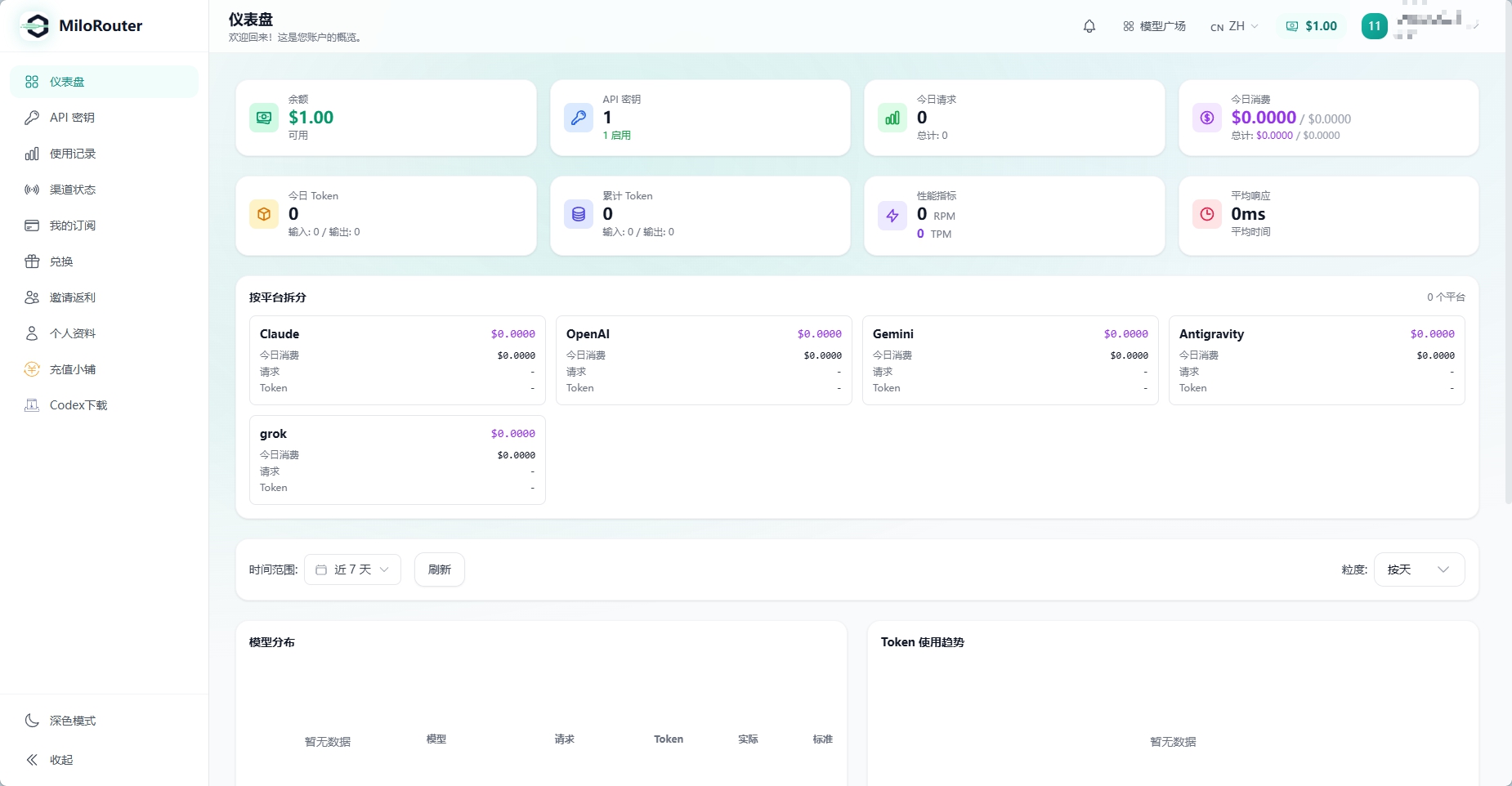
2. Sign in and check your balance
After signing in, the dashboard shows your available balance together with key, request, and spending summaries.
3. Create an API key
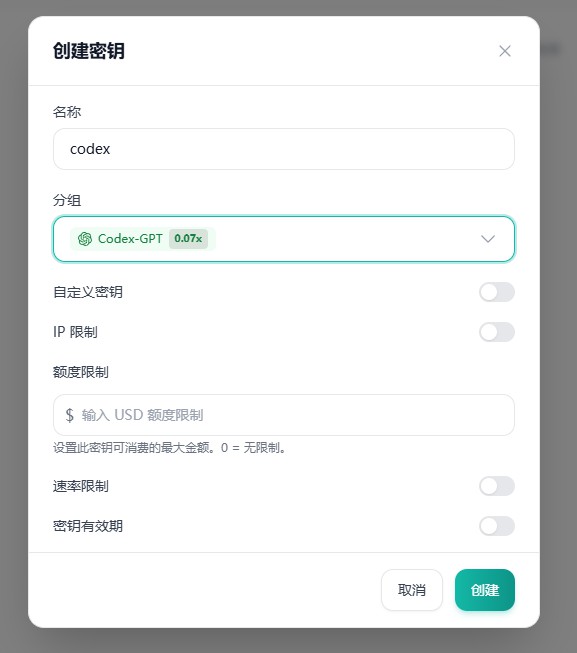
Open API Keys, create a key, and select the model group you plan to use. Limits for spending, rate, IP, and expiration are optional.
4. Send a request
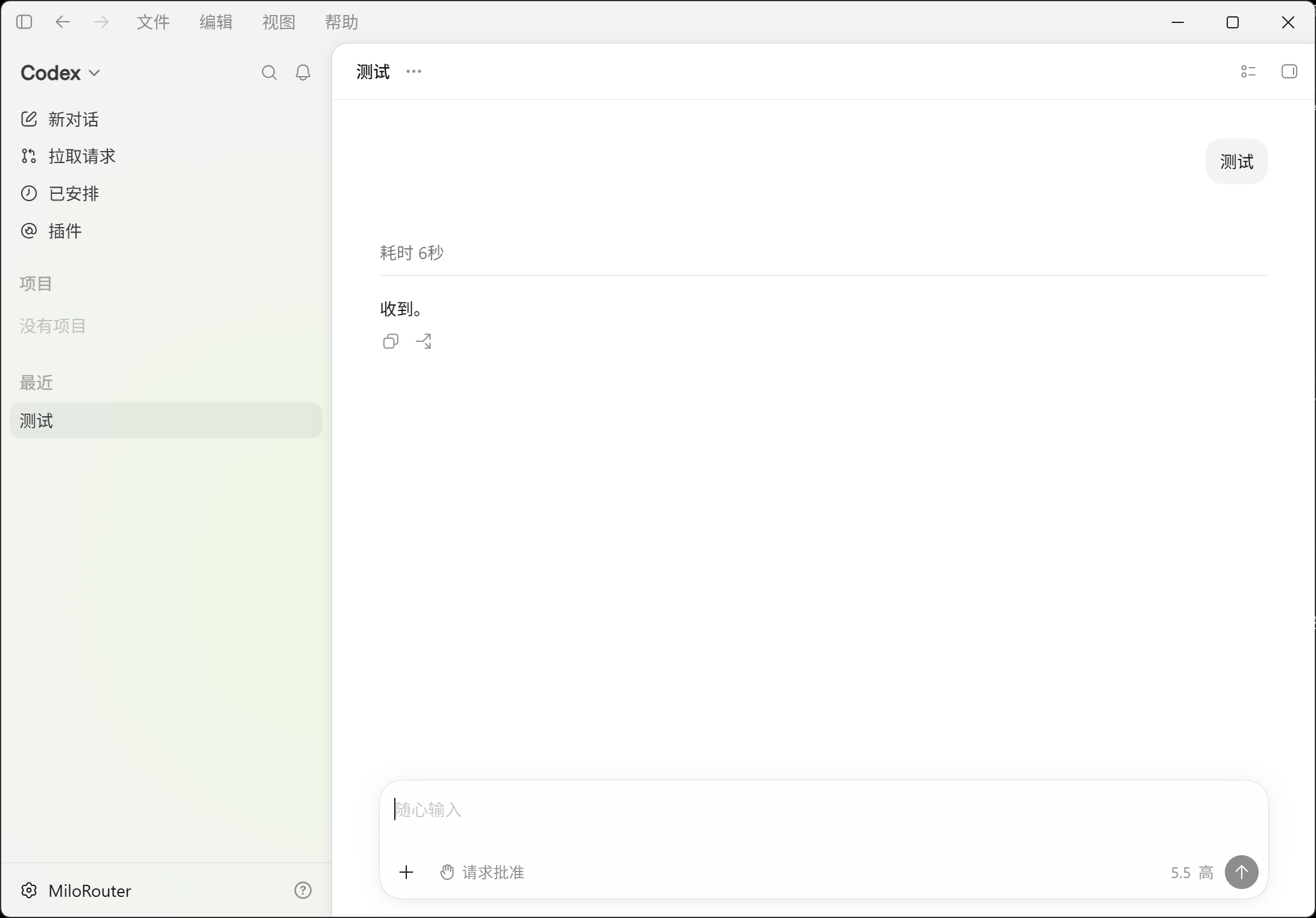
Copy a currently available model ID from the model plaza, then replace the placeholders below.
curl https://milorouter.com/v1/chat/completions \
  -H "Authorization: Bearer $MILOROUTER_API_KEY" \
  -H "Content-Type: application/json" \
  -d '{
    "model": "your-model-id",
    "messages": [{"role": "user", "content": "Hello"}]
  }'
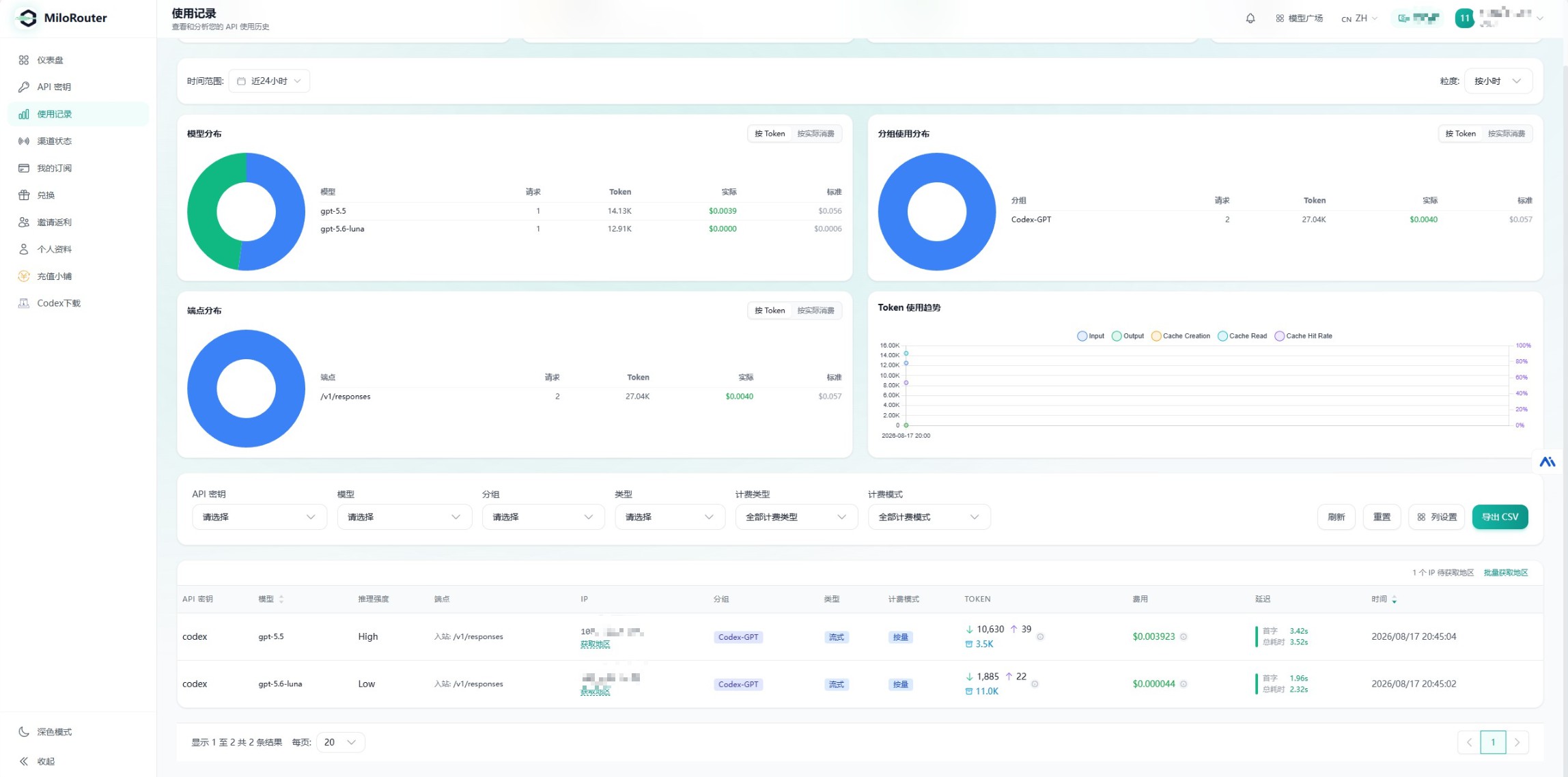
5. Check the usage record
- Confirm the model and endpoint
- Review input and output tokens
- Check the actual cost
- Review first-token and total response time
- Confirm dashboard totals have updated