
Registration and sign-in
Register with an email verification code, sign in, manage your profile, and change your password.
Register with email verification
- 1
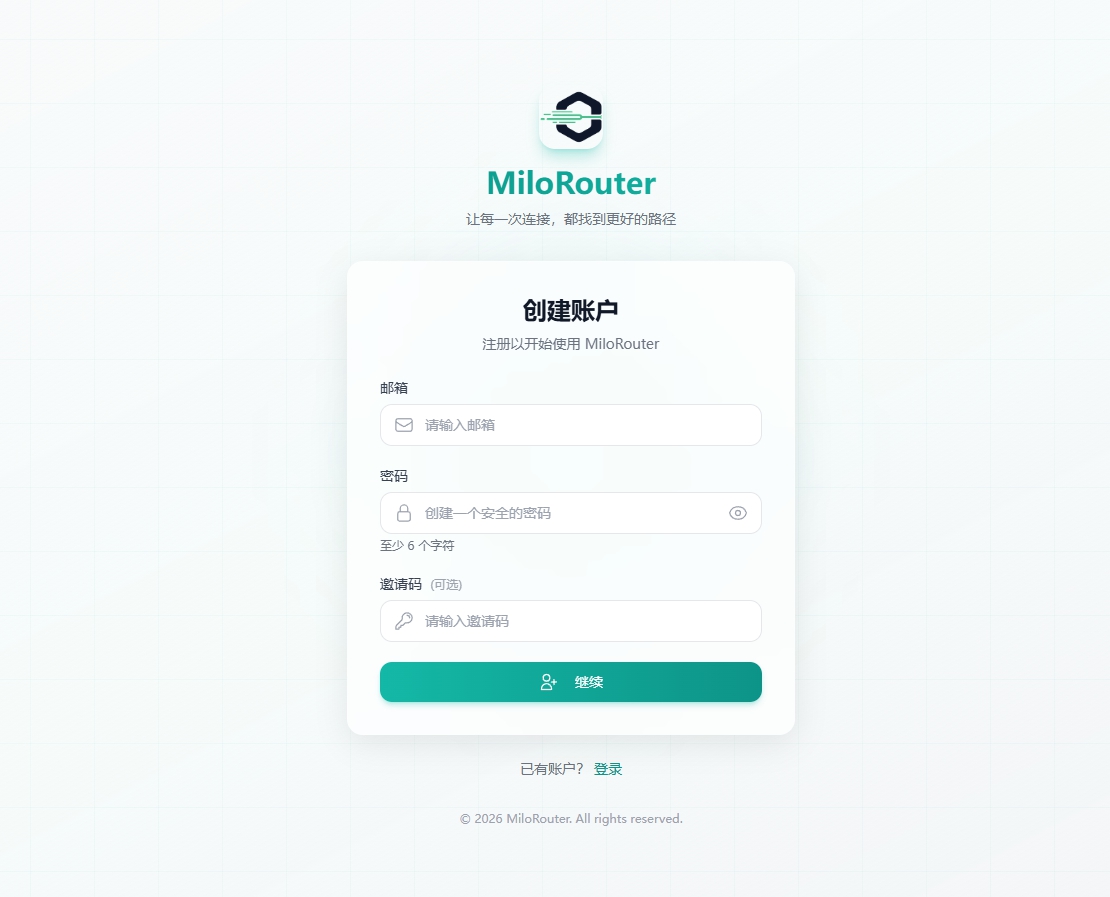
Enter your details
Use an active email address and set a password of at least six characters.
- 2
Get the code
Continue and check your inbox for the verification code.
- 3
Complete verification
Enter the code and follow the page instructions to finish registration.
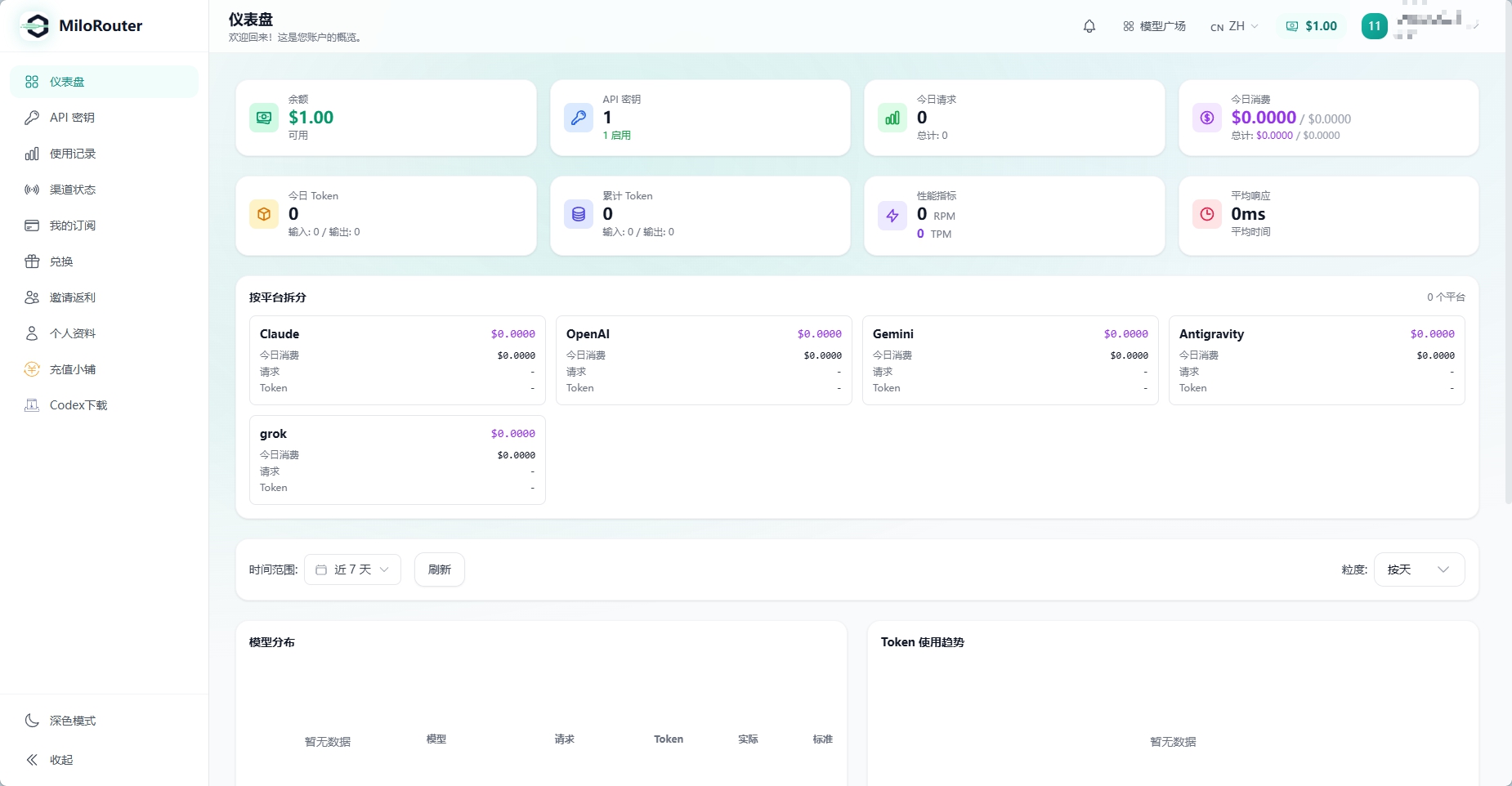
Sign in
Use your registered email and password. A successful sign-in opens the dashboard.
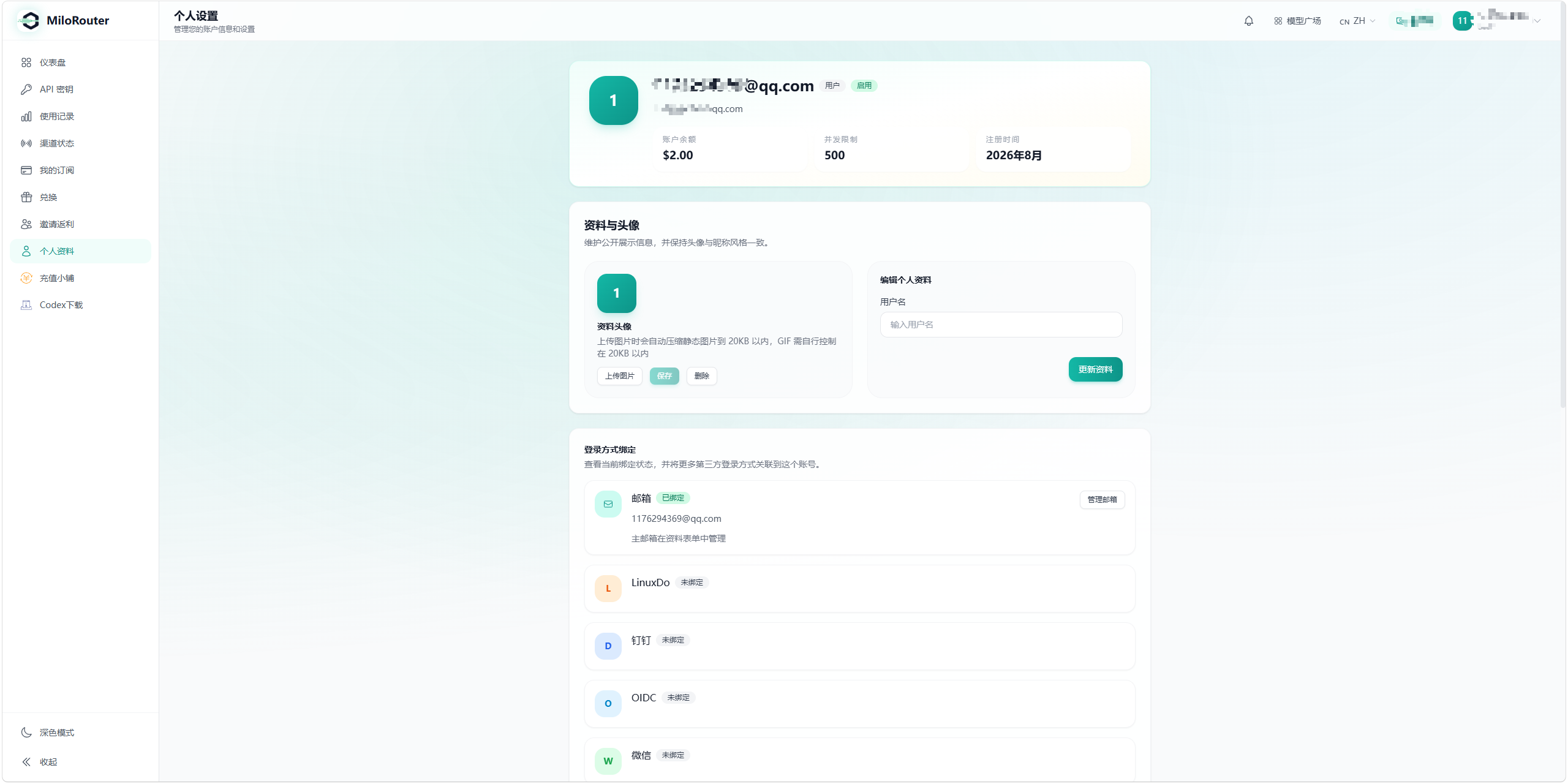
Manage your profile
- Review account status, balance, and registration date
- Change your username
- Upload, replace, or remove a profile image
- Review and manage the primary email address
Change your password
- 1
Enter the current password
Provide the password you use now.
- 2
Set a new password
Enter it twice to confirm.
- 3
Save
Use the new password the next time you sign in.